Your new tab,
your photos
Caroluma turns every new tab into a living photo frame.
Not another app to open, not another feed to scroll. Your photos are just there.
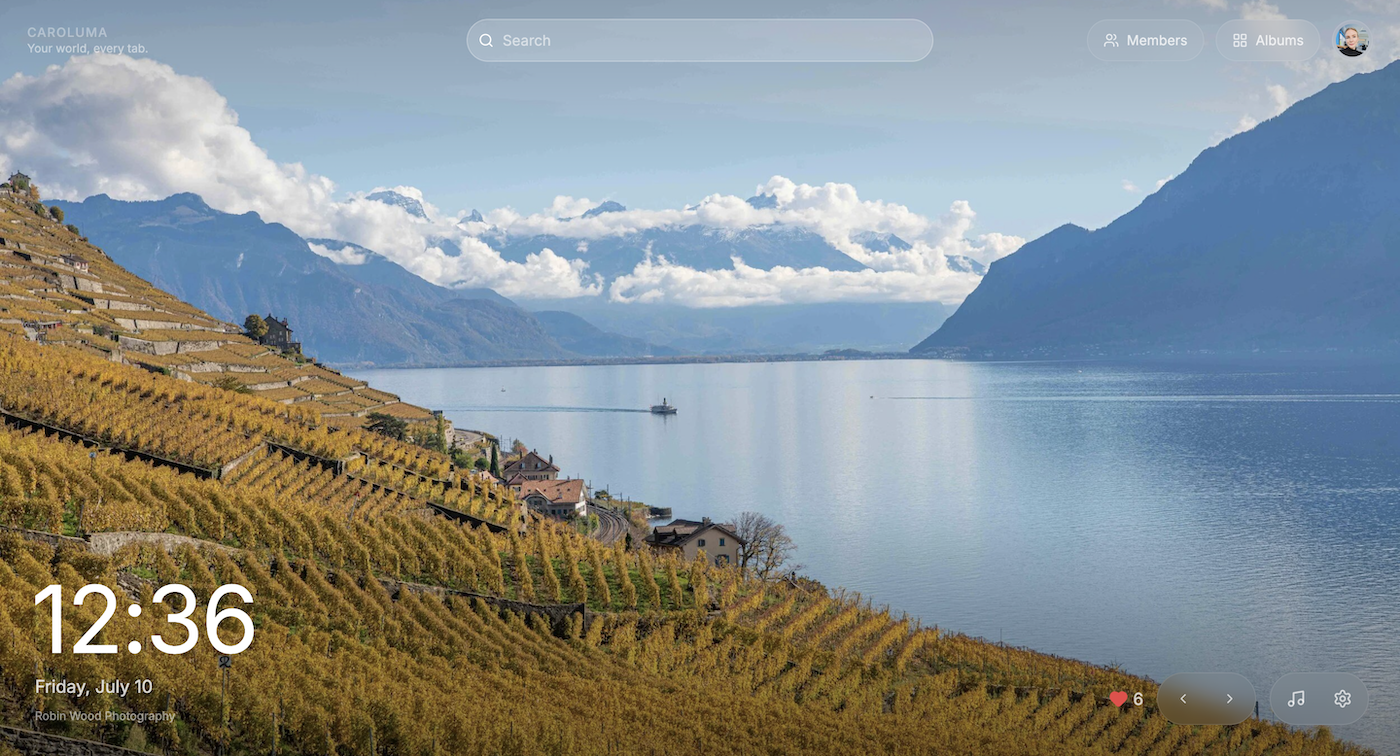
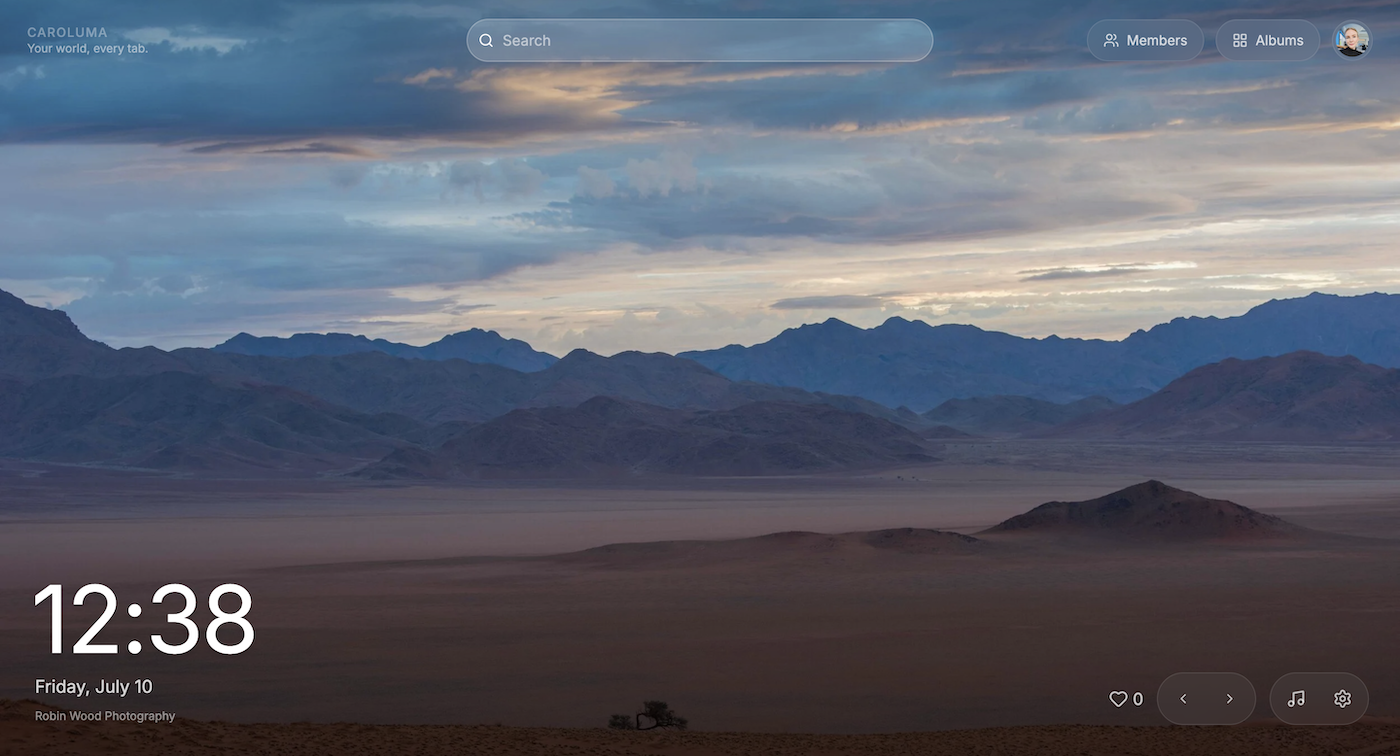
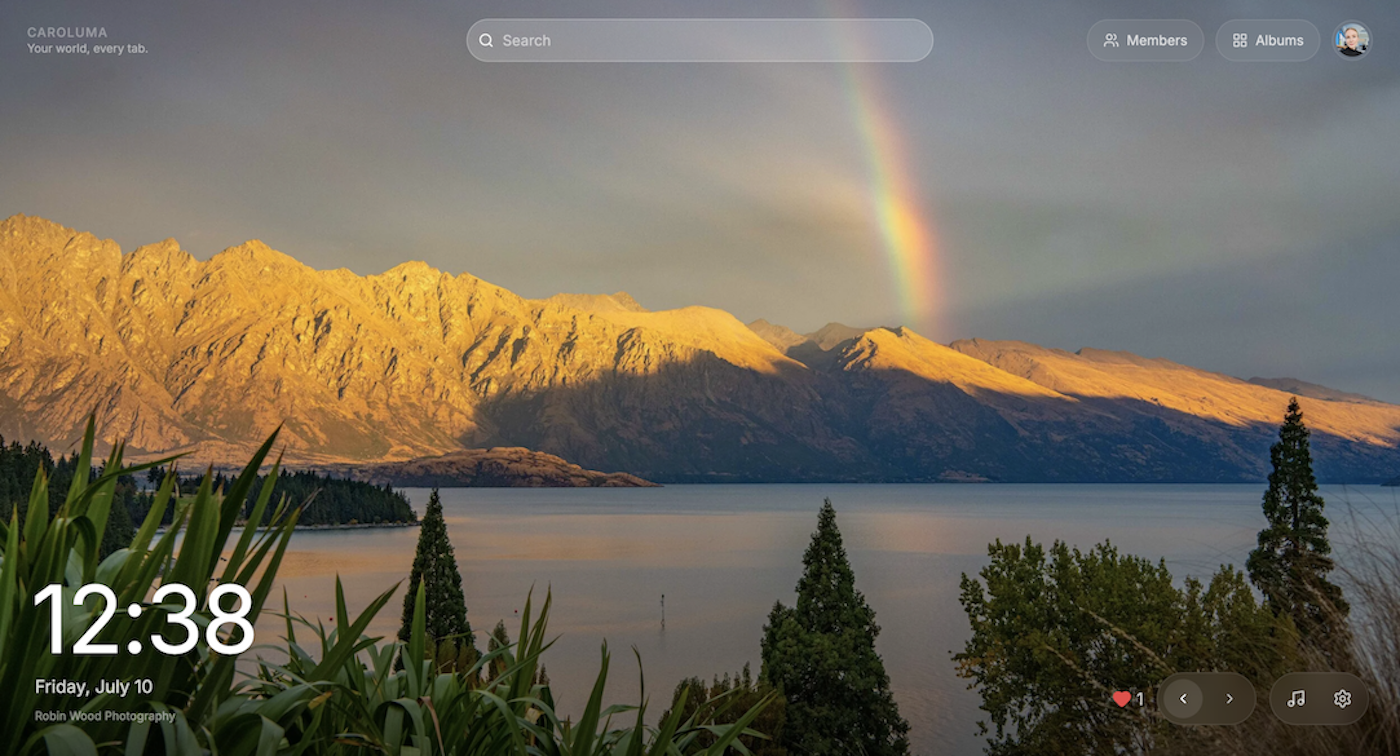
See photos the moment you install, no sign-in needed
Build your own private photo library
Share albums with family and friends
Upload from your phone with a QR code, no app needed
Clock, weather, search and Spotify widgets built in
How it works
Install the extension
Add Caroluma from the Chrome Web Store. Your new tab changes instantly, with sample photos waiting for you.
Add your own photos
Upload photos from your device or import from Google Photos. Sign in with Google to build your personal library.
Share with people you love
Create a shared album and invite family or close friends. Their photos appear in your new tab automatically — or have them scan a QR code to upload straight from their phone.
What you get
A photo on every new tab
Caroluma replaces the Chrome new tab page with a full-screen photo, overlaid with a clock, date, and search bar. No feed to scroll, no app to open — the photo is just there every time you open a tab.
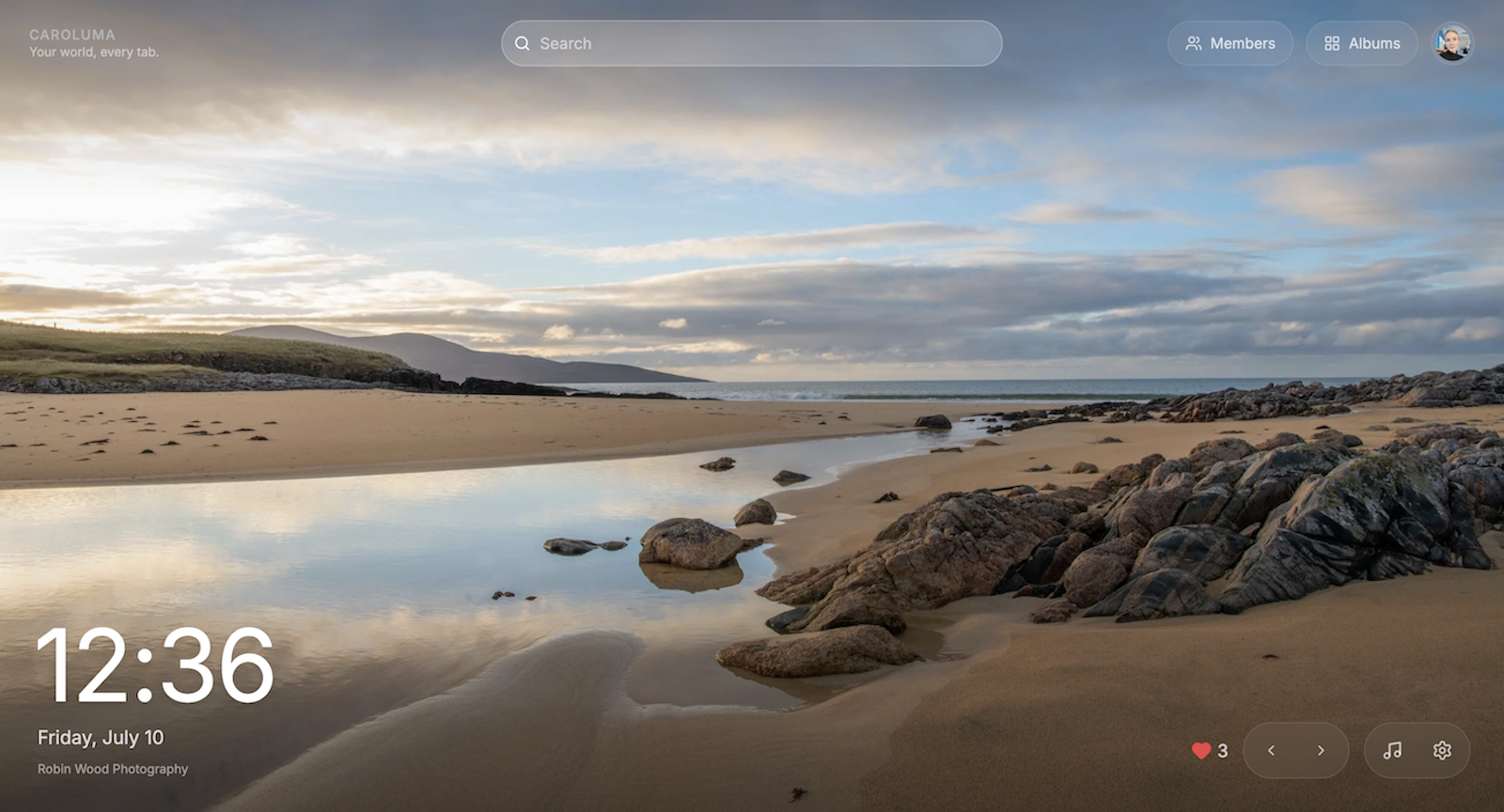
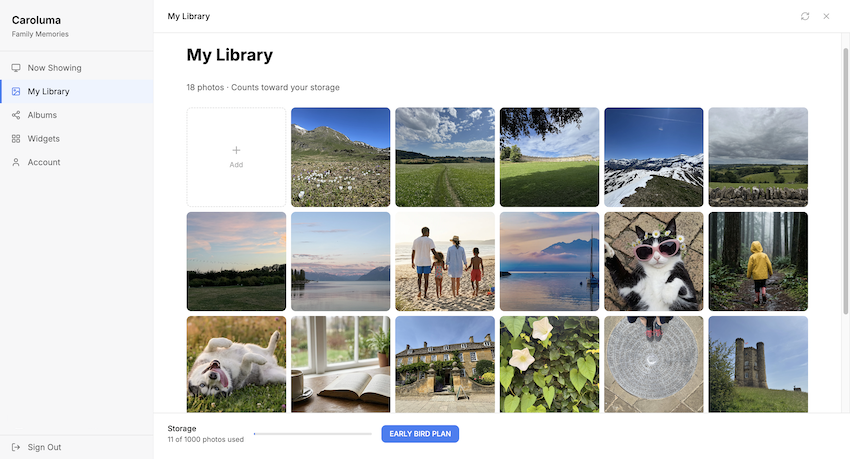
Your own private library
Sign in with Google to build a personal photo library: upload from your device or import from Google Photos. Your photos are private to you and synced to your account, so they're not stuck on one device.
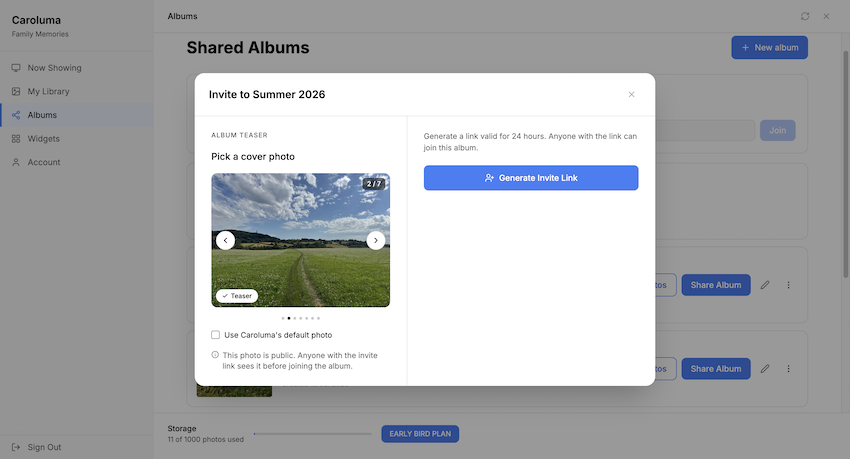
Shared albums with the people you love
Create a shared album and invite family or close friends. New photos anyone adds appear automatically in everyone's new tab — no manual sync or refresh needed. Each album has its own members and settings.
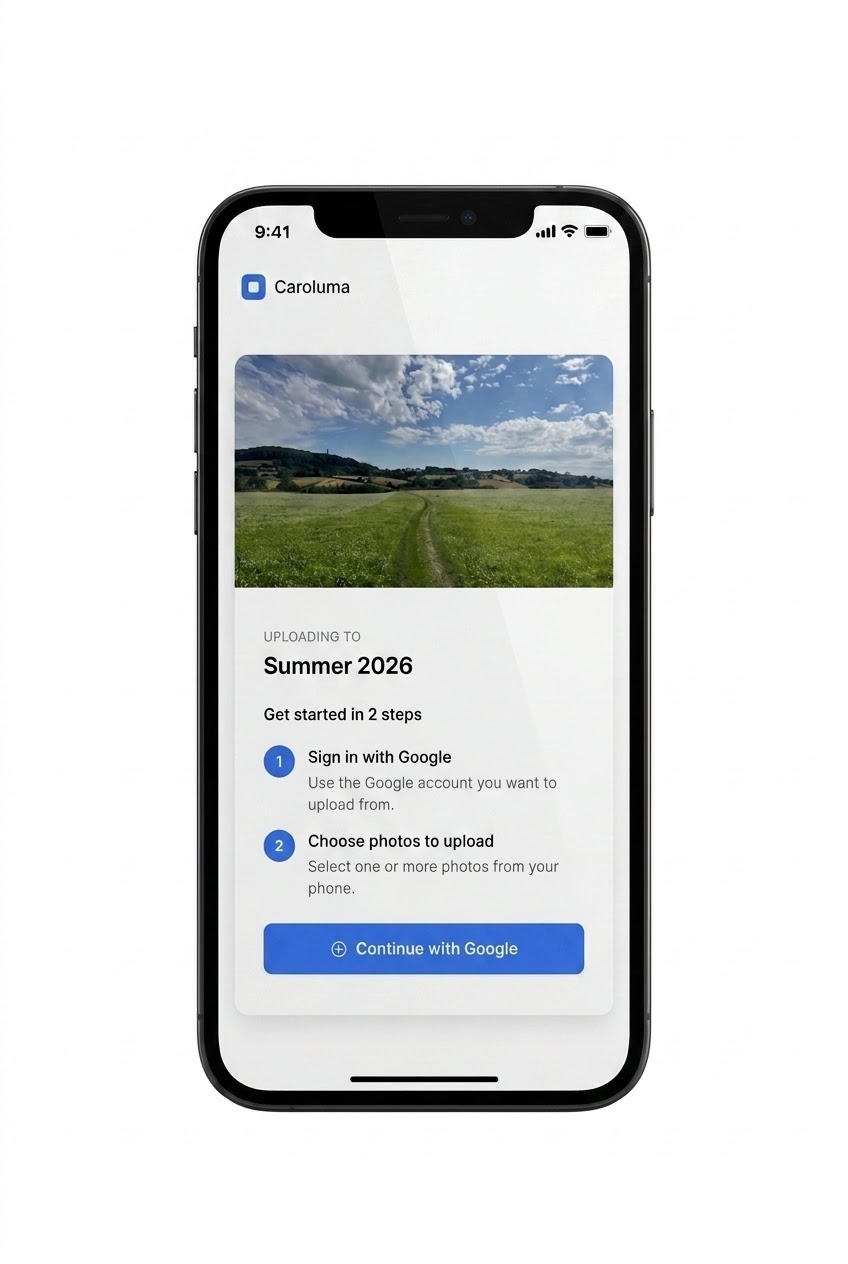
Upload straight from your phone
Generate a QR code from any shared album. Scan it on a phone and upload photos directly from the camera roll — no app install required. Built for the people whose photos live on their phone, not their laptop.
Photos from the moment you install
A sample album ships with the extension, so your new tab is never empty. You see real photos immediately, before signing in or uploading anything.
Widgets that stay out of the way
Toggle on a weather widget, a Google or Bing search bar, and an embedded Spotify player — each optional, each designed to sit quietly on top of the photo.
See what's currently showing
A "Now Showing" view lists exactly which photos are in rotation on your new tab right now, so it's never a mystery what you're looking at or where it came from.